
Events & Celebrations
How to Set Up an AI Avatar Photo Booth at Your Next Event
Updated March 2026 · 6 min read
The traditional photo booth is dead. Nobody wants another strip of awkward poses with oversized props. What people actually want is something they've never seen before — something that makes them stop, laugh, and immediately share with their friends. An AI avatar station does exactly that.
The best part: you don't need a booth, a rental contract, an attendant, or any special equipment. All you need is a QR code on a table card. This guide walks through exactly how to set one up, what it costs, and how to make it work for any type of event.
What You Need
The equipment list is shorter than you think:
- A phone or tablet (you already have one)
- Wi-Fi (the venue has it)
- Optional: a portable photo printer ($60–$100) for physical keepsakes
- Optional: a TV or monitor showing the styles page as a visual menu
That's it. No booth rental. No attendant. No props. No delivery. No teardown. The entire setup fits in a tote bag, and it takes about five minutes to arrange.
Step-by-Step Setup
- 1
Buy credits before the event
Head to pricing and pick a pack based on your expected guest count. 30 credits for $9.99 covers a party of 30. 75 credits for $19.99 covers a large event. Buy a few extra — any unused credits never expire and roll forward.
- 2
Create a QR code with your theme pre-selected
Use any free QR code generator (QR Code Monkey, Adobe Express, etc.) to create a code linking to
minifigureai.com/?style=YOUR_THEME. For a Christmas party:?style=christmas. For a wedding:?style=anniversary. This removes the style-selection step for guests so they go straight to taking their selfie. - 3
Print the QR code on table cards or a poster
Place QR code cards on every table, at the bar, near the entrance, or anywhere guests linger. A large-format poster near the dance floor or photo display works especially well for weddings. Add a short headline: "Turn yourself into an avatar — scan to try!"
- 4
Set up the printer (optional)
A portable Bluetooth photo printer like the Canon SELPHY QX10 or the Kodak Step connects wirelessly to any phone. Guests print directly from their browser after downloading. Pair it with a display stand and a small sign explaining how to print.
- 5
Optional: display a live gallery screen
Connect a TV or monitor to show the styles page as a visual menu, or collect and display generated avatars as they come in. This creates a social centerpiece that draws guests in and encourages participation.
Best Themes for Each Event Type
MiniFigureAI supports 50+ styles. Here are the highest-performing themes for each occasion:
Weddings
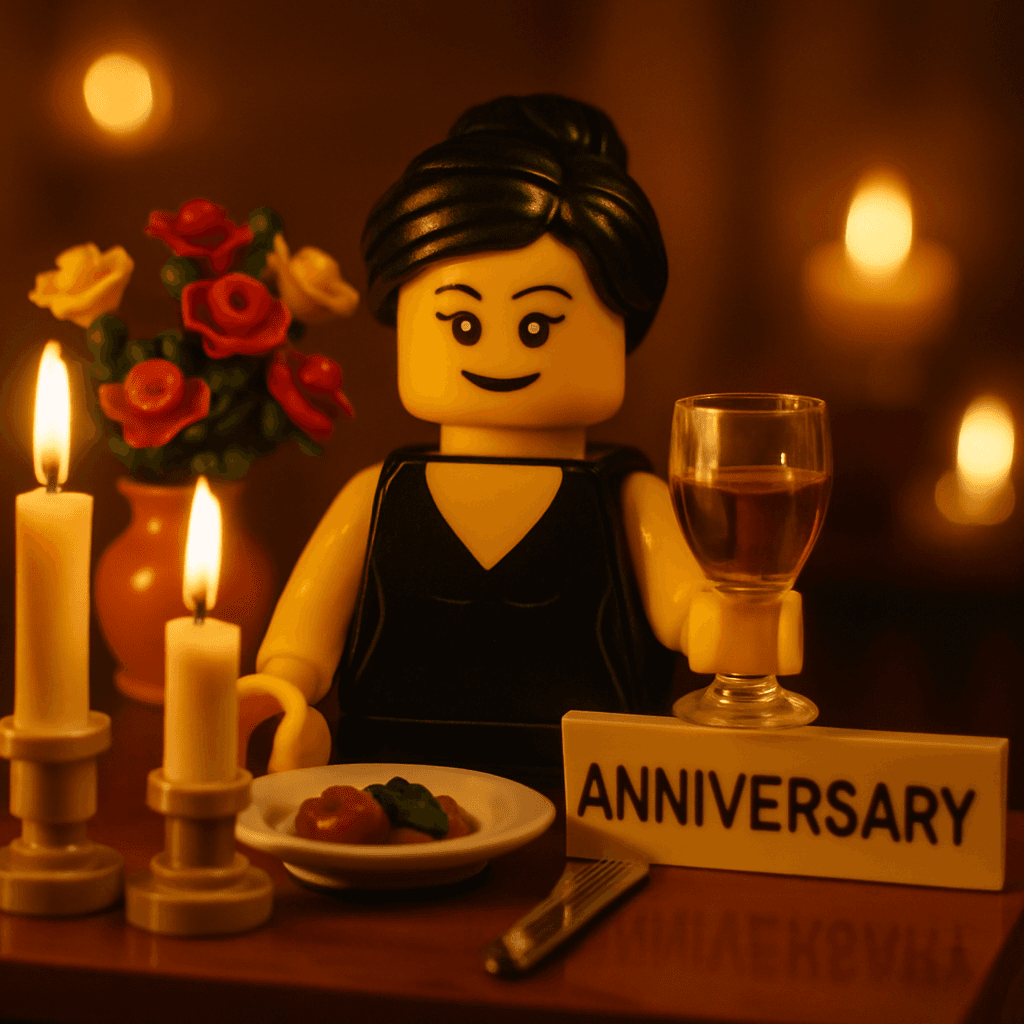
Anniversary, Disney (romantic and warm), and Ghibli (artistic watercolor feel) are the top three for wedding celebrations. Anniversary style is the most popular — it puts both partners in the frame elegantly.
Kids Birthday Parties
Nintendo, Minecraft, Marvel, and Chibi are the biggest hits with younger guests. The Chibi style works universally — it's cute without being character-specific, so it fits any party theme.
Corporate Events
Minifigure, Pixel Art, and RPG Hero work best for professional settings. Minifigure is the default for a reason — it's universally appealing and produces consistent results that look great in Slack and team directories.
Holiday & Seasonal Parties
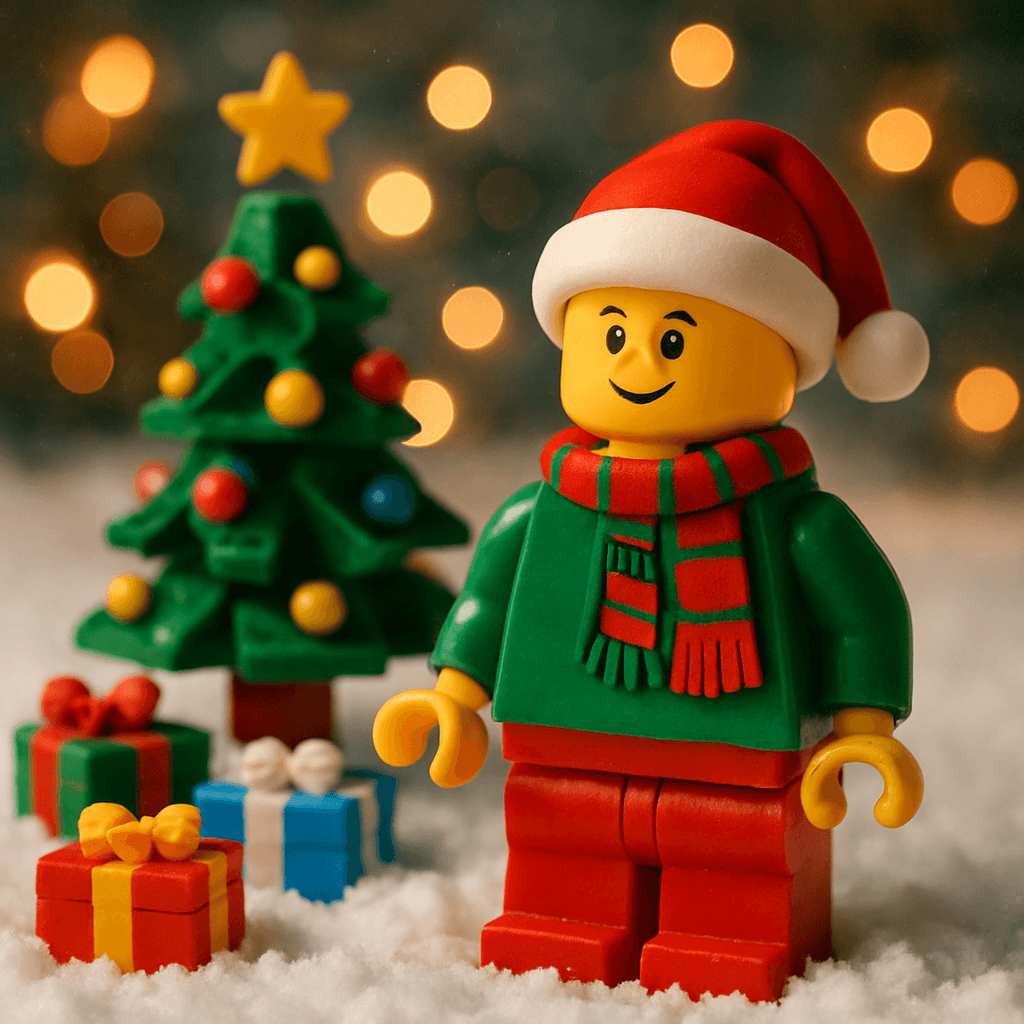
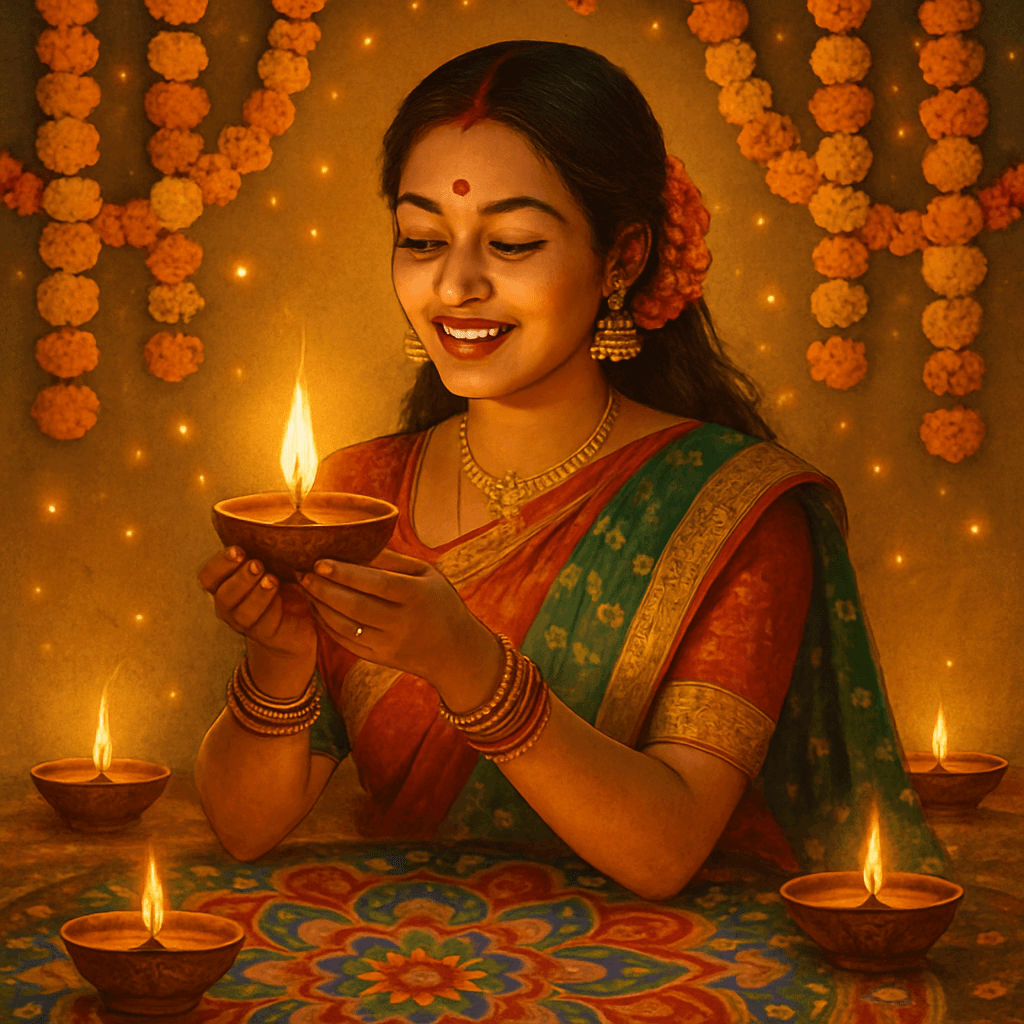
Christmas, Halloween, Diwali, and Lunar New Year styles are purpose-built for seasonal events. They generate avatars with on-theme backgrounds, clothing, and color palettes that make for instantly shareable results.
Graduation Parties
The Graduation style is the obvious choice — cap and gown avatars that the whole class wants. For a more playful angle, Pixar or Disney styles also work beautifully as graduation keepsakes.
Holiday parties

Graduation
Cultural celebrations
The Guest Experience
Here's exactly what a guest sees when they scan the QR code:
- Scan QR code — lands on MiniFigureAI with the event theme already pre-selected. No setup, no confusion.
- Take a selfie or upload a photo — the camera prompt appears immediately. A clear, front-facing photo works best. Most guests nail it on the first try.
- Watch the 30-second generation — a progress animation plays while the AI processes the photo. This creates genuine anticipation — guests watch over each other's shoulders.
- See the reveal animation — the before/after reveal plays, showing the transformation from selfie to avatar. This is the moment guests laugh and immediately show it to whoever's next to them.
- Download, print, and share — one tap to save the avatar, another to share to Instagram Stories or WhatsApp. The Story Card format is pre-formatted and ready to post.
Pro Tips for a Flawless Setup
Test the Wi-Fi before guests arrive
Connect to the venue Wi-Fi and run through the full avatar generation yourself the day of. If the venue Wi-Fi is unreliable, bring a mobile hotspot as backup.
Pre-select the theme in the QR code URL
Adding ?style=christmas (or your event's theme) to the QR code URL means guests skip the style selection step. Faster experience, better results, more consistent visual output.
Display a printed sample avatar
Print one sample avatar and display it next to the QR code. Guests who can see exactly what they're getting are far more likely to participate than guests who have to imagine it.
Assign a "MiniFigure host"
Designate one person — a bridesmaid, a team member, a party coordinator — to help guests who aren't tech-savvy. One minute of help makes the difference for older guests.
Use the Story Card for Instagram
The Story Card export is formatted exactly for Instagram and WhatsApp Stories. Remind guests about it — the formatted Story Card spreads further than a plain square image.
Buy 10-15% more credits than your guest count
Some guests will generate two or three avatars trying different styles, and some will want to generate one for a family member who couldn't attend. Over-buying by 10-15% prevents running out mid-event.
Cost Breakdown: Photo Booth Rental vs. MiniFigureAI
| Photo Booth Rental | MiniFigureAI | |
|---|---|---|
| Cost | $500–$1,500 | $9.99–$19.99 |
| Setup | Delivered + attendant required | QR code on a table card |
| Output | Strip of 4 generic photos | Personalized AI avatar |
| Styles | One style (props in a box) | 50+ styles |
| Sharing | Physical strip only | Digital + print + social Story card |
| Works remotely | No | Yes — any phone, anywhere |
See full pricing details including all credit pack options.
Frequently Asked Questions
Do guests need an account to generate an avatar?
No — anonymous generation works without any account. Guests scan the QR code, take a selfie, and their avatar is generated immediately. They can download it directly to their phone without signing up for anything.
Can I pre-select the avatar theme for my event?
Yes. Use the ?style= parameter in the QR code URL to pre-select a theme. For example, minifigureai.com/?style=christmas pre-selects the Christmas theme. This removes the style-selection step for guests and keeps everyone's avatar consistent with your event theme.
How many avatars can I generate for my event?
Buy credits in bulk before your event. 30 credits for $9.99 covers a party of 30 guests. 75 credits for $19.99 covers a larger event. Credits never expire, so any unused credits roll forward. See the pricing page for all options.
Ready to Wow Your Guests?
Try it free — create your first avatar now and see exactly what your guests will experience before the event.
No credit card required for first avatar · Credits never expire